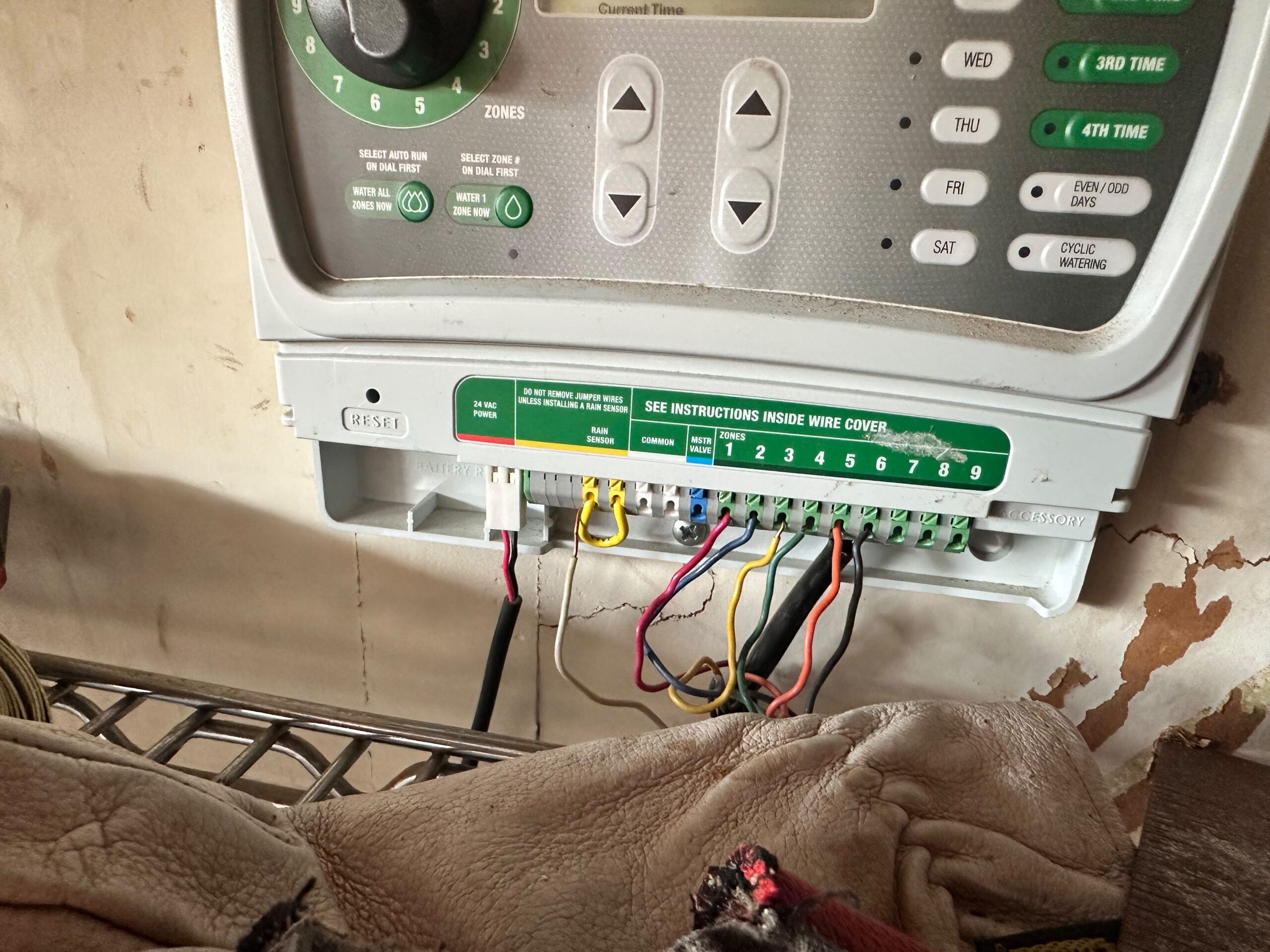
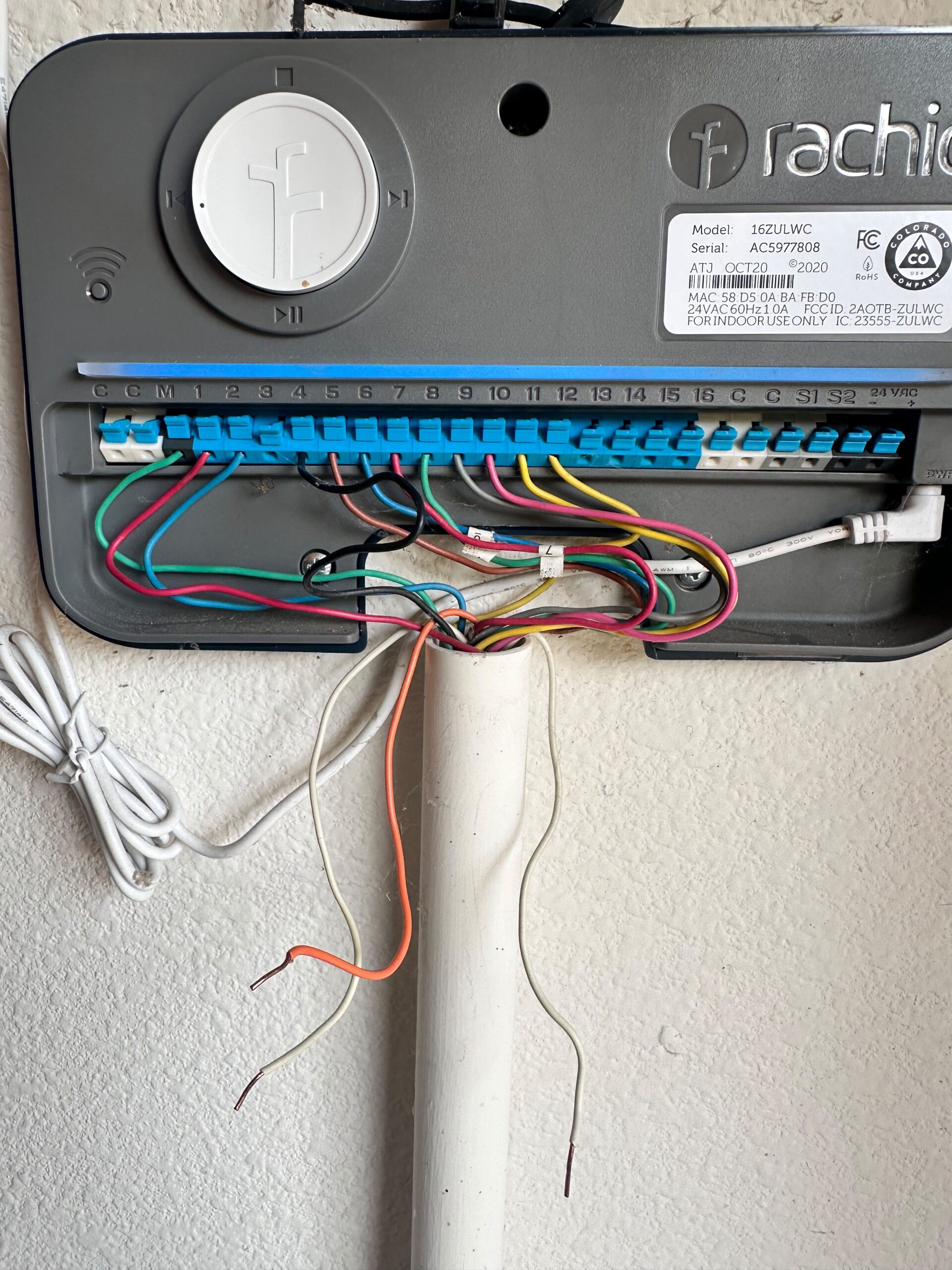
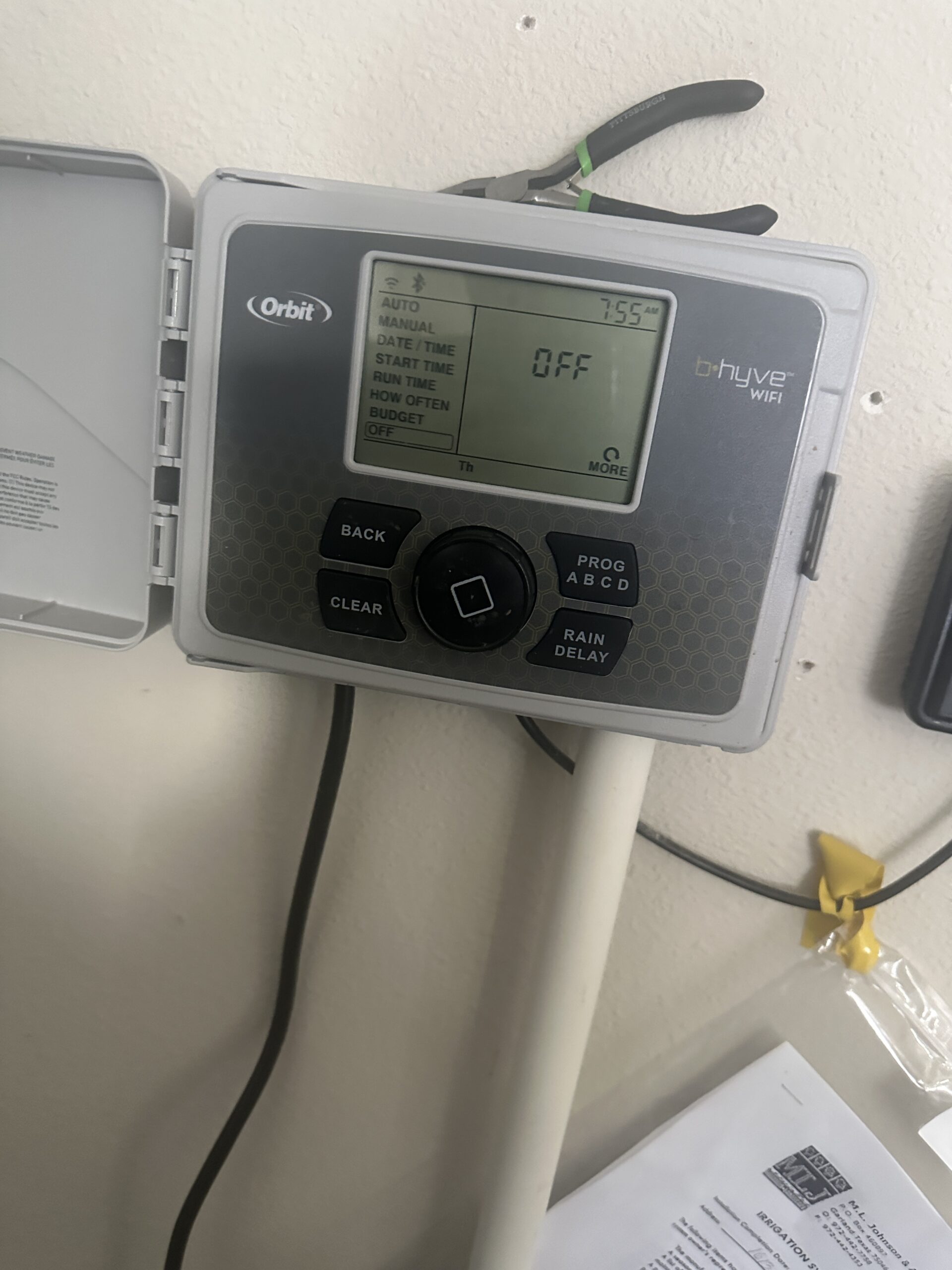
A smart irrigation controller in Aubrey TX is most useful when it includes accurate local weather data, a working rain sensor or rain skip feature, flexible zone-by-zone scheduling, and a reliable Wi-Fi connection. These features work together to adjust watering automatically based on actual conditions rather than a fixed schedule, which helps prevent overwatering during rainy stretches and underwatering during hot, dry ones. Not every advanced feature is necessary for every yard, but weather-based scheduling and dependable connectivity are the two that make the biggest difference in day-to-day performance.
At a Glance
- Difficulty: Easy to research, moderate to install
- Estimated Time: 30–60 minutes for setup after installation
- Tools Needed: Smartphone or tablet for app-based controllers
- Works For: Homeowners upgrading from a basic timer or building a new system
- May Not Solve: Underlying issues like weak water pressure, damaged heads, or faulty valves
Why Controller Features Matter
Not all irrigation controllers work the same way. A basic timer-based controller runs on a fixed schedule regardless of weather, while a smart controller adjusts automatically based on rainfall, temperature, and sometimes soil moisture. The difference in features can significantly affect how much water a system uses and how well a lawn performs throughout the year.
Choosing the right features depends on a few factors:
- How much manual adjustment a homeowner is willing to do
- Whether the yard has multiple zones with different sun exposure or plant types
- How reliable the home’s Wi-Fi connection is in the area where the controller is installed
- Whether local watering restrictions require specific scheduling flexibility
A controller with the right features can reduce water waste significantly, but only if those features are set up correctly and reviewed periodically rather than left on default settings.
Features That Matter in an Irrigation Controller in Aubrey TX
Weather-Based Scheduling
This is the core feature that separates a smart controller from a basic timer. Weather-based scheduling pulls in local rainfall, temperature, and evapotranspiration data to automatically adjust run times, reducing watering after rain and increasing it during hot, dry stretches.
Rain Sensor or Rain Skip
Even smart controllers benefit from a physical rain sensor as a backup, since Wi-Fi connections and weather data sources can occasionally be inaccurate or delayed. A rain skip feature that pauses watering after a set amount of rainfall adds an extra layer of reliability.
Zone-by-Zone Customization
Yards rarely have uniform sun exposure, soil type, or plant needs across every zone. A controller that allows separate schedules for each zone, rather than one blanket setting, provides more accurate watering across the whole property.
Reliable Wi-Fi Connectivity
A smart controller is only as good as its connection. If the controller loses Wi-Fi or is installed somewhere with a weak signal, it may default to a basic schedule and lose the benefit of weather-based adjustments entirely.
Manual Override and App Access
The ability to pause, skip, or manually run a zone from a phone app is useful for unexpected situations, like an unplanned outdoor event or a sudden weather change that the system hasn’t caught up to yet.
Water Usage Reporting
Some controllers track water usage over time, which can help homeowners spot unusual spikes that might indicate a leak, a stuck valve, or a scheduling issue that needs attention.
Freeze and Wind Protection
Certain controllers include settings that pause watering during freezing temperatures or high wind, both of which can reduce watering efficiency or create hazards like icy walkways during colder months.
Step-by-Step: Evaluating a Smart Controller Before Buying
Step 1: Confirm Weather Data Accuracy
Look into whether the controller uses a local weather station, a broader regional forecast, or an on-site rain sensor, since accuracy varies significantly between these approaches.
Step 2: Check Zone Capacity
Confirm the controller supports the number of zones already installed, plus a little extra room if zones might be added later.
Step 3: Test Wi-Fi Signal at the Installation Location
Before committing to a smart controller, check whether the planned installation spot, often a garage or utility area, gets a reliable Wi-Fi signal.
Step 4: Review App Usability
Look at how the companion app handles scheduling, manual overrides, and notifications, since a confusing app can make even good features hard to use.
Step 5: Confirm Rain Sensor Compatibility
Verify whether the controller includes a rain sensor or supports adding one, since this feature is required on new systems under Texas irrigation rules.
Step 6: Ask About Local Watering Restriction Support
Some controllers allow programming that automatically complies with local watering day restrictions, which can be a helpful feature in areas with seasonal water rules.
Common Mistakes Homeowners Make
- Choosing a controller based on price alone. The cheapest smart controller may lack reliable weather data or a strong Wi-Fi connection, undercutting the benefits.
- Skipping the rain sensor because the controller is “smart.” Weather data can be delayed or inaccurate, so a physical sensor still adds a layer of reliability.
- Never checking the app after installation. Some smart features only work correctly if the app stays connected and updated over time.
- Ignoring zone customization. Running every zone on the same schedule defeats one of the main benefits of a smart controller.
- Installing it somewhere with a weak Wi-Fi signal. A dropped connection can cause the system to revert to a basic, less efficient schedule.
Local Considerations for Aubrey, TX
An irrigation controller in Aubrey TX should be chosen and set up with a few local factors in mind:
- Clay soil: Much of the Aubrey area sits on dense clay soil that absorbs water slowly. According to Texas A&M AgriLife Extension, shorter, split watering cycles work better on clay soils than one long cycle, which many smart controllers can automate.
- Heat: Long, hot summers make weather-based scheduling especially useful, since a controller can automatically extend run times during extended dry stretches.
- Wind: Windy afternoons common in open North Texas areas can reduce watering efficiency, and some controllers include wind-based adjustments to help offset this.
- Water restrictions: Aubrey and surrounding communities may follow designated watering day schedules. Checking current guidance from the Texas Commission on Environmental Quality helps confirm a controller’s programming will stay compliant.
- Seasonal watering: Rainfall and temperature shift throughout the year in North Texas, which is exactly the kind of variation weather-based scheduling is designed to handle automatically.
- Foundation movement: Consistent, well-calibrated watering supports stable soil moisture around a home’s foundation, which matters on the area’s expansive clay soils.
Related Problems That Can Look Similar
If a smart controller isn’t performing as expected, the cause may be something other than the controller’s features:
- Weak water pressure affecting multiple zones
- Clogged or misaligned heads causing uneven coverage
- A stuck valve running independently of the schedule
- A rain sensor that’s disconnected or malfunctioning
If sprinklers seem to run at odd times despite good weather, our guide on why sprinklers run during rain covers common causes. For broader scheduling questions, our article on what homeowners should change on their sprinkler controller each season walks through additional settings worth reviewing.
Frequently Asked Questions
- Is a smart controller worth it for a small yard?
It can still help, though the water savings are usually more noticeable on larger properties with multiple zones and varying sun exposure.
- Do smart controllers work without Wi-Fi?
Most can run on a basic fixed schedule without Wi-Fi, but they lose access to weather-based adjustments until the connection is restored.
- How much water can a smart controller actually save?
Savings vary by yard and setup, but weather-based scheduling generally reduces water use compared to a fixed timer that ignores rainfall.
- Can I install a smart controller myself?
Basic installation is possible for some models, though wiring an existing system into a new controller often benefits from a licensed technician.
- Do I still need a rain sensor with a smart controller?
Yes, in most cases. A physical rain sensor adds reliability in case the weather data source is delayed or inaccurate.
Bottom Line
An irrigation controller in Aubrey TX performs best when it combines accurate weather-based scheduling, a working rain sensor, zone-by-zone customization, and a reliable Wi-Fi connection. These features work together to reduce water waste and keep a lawn healthier without requiring constant manual adjustments. The right combination depends on the yard’s size, zone count, and how much hands-on control a homeowner wants.
Conclusion
An irrigation controller in Aubrey TX works best when it combines reliable weather data, a working rain sensor, and zone-by-zone scheduling rather than a single fixed program. These features reduce water waste and keep a lawn healthier through hot summers and unpredictable rainfall. If you’re comparing options, upgrading an older system, or want help setting one up correctly, a licensed sprinkler company can walk through what fits your yard and budget. Reach out to schedule a consultation and start watering more efficiently today.