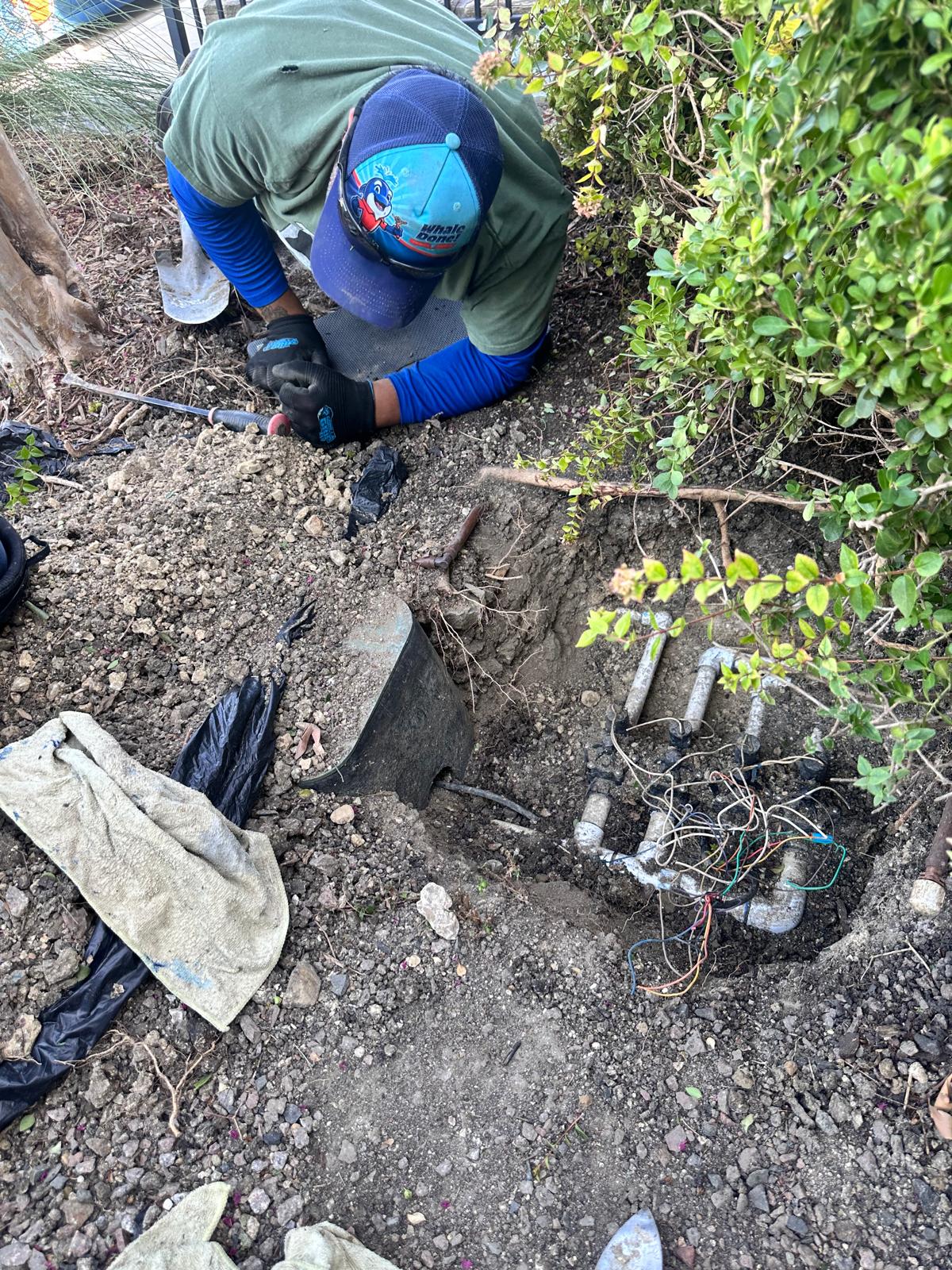
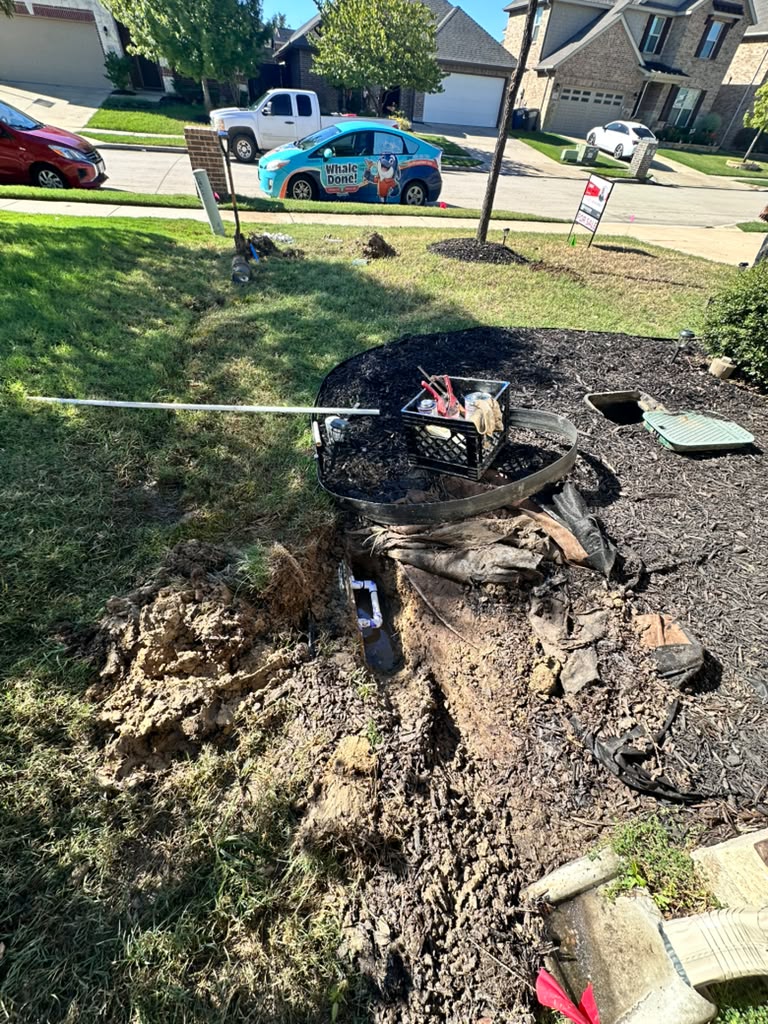
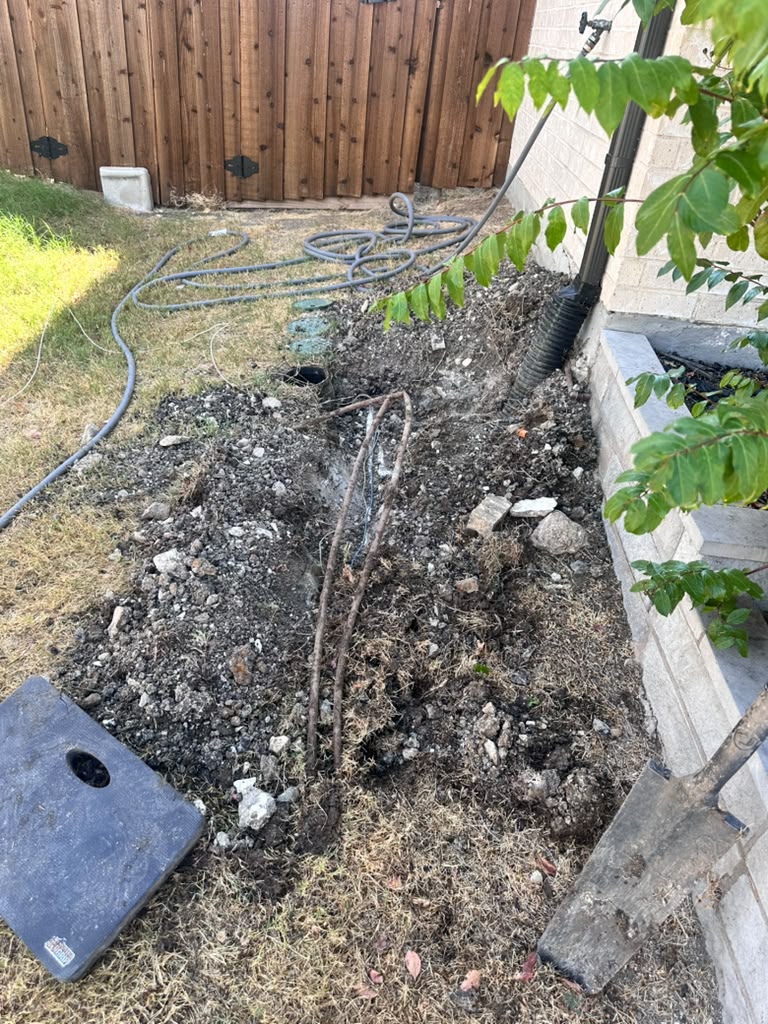
Sprinkler controller repair in Melissa TX is needed when the controller still misbehaves after you’ve checked its pause, off, and seasonal settings, schedules, and manual overrides. Signs include a blank screen, zones that won’t start or won’t stop, schedules that keep resetting, or settings that won’t save.
If the problem goes away after a settings fix, no repair is needed. If it comes back, the cause may be power, wiring, a failing valve, or the controller itself. A licensed sprinkler company can tell which one it is.
At a Glance
| Difficulty | Checking settings: easy. Diagnosing wiring or electrical faults: best left to a licensed professional |
| Estimated Time | 15 to 20 minutes for a settings review |
| Tools Needed | Your controller’s model number, the owner’s manual, a phone for photos |
| Works For | Telling a settings problem apart from a hardware problem |
| May Not Solve | Failed valves, damaged wiring, or leaks that only look like controller trouble |
Why Sprinkler Controller Repair in Melissa TX Seem Broken When They Aren’t
Most controller complaints turn out to be settings issues. A pause mode, a seasonal adjustment, or a forgotten manual override can make a healthy controller look faulty, even when nothing is wrong with the hardware.
Controllers also behave differently from brand to brand. A setting that means “off” on one model may only mean “pause” on another, and a rain delay can quietly expire and restart a schedule.
That is why it helps to check settings carefully before assuming something is broken. Reviewing the mode, the seasonal percentage, and every program takes a few minutes and can save an unnecessary repair call.
Step 1: Find Your Controller Model
Start by identifying what you have. The model name is usually printed on the front panel, the side, or a label inside the door.
Write down:
- The brand and model number
- Whether it is a basic dial, a digital timer, or a smart (Wi-Fi) controller
- Where it is mounted, such as a garage wall or an outside wall
Your model decides which instructions apply. A quick search for the manufacturer’s manual will give you the exact steps.
Step 2: Check Pause, Off, and Seasonal Settings
These three settings are the most common source of confusion. They sound similar but do different things.
- Pause or rain delay: Temporarily holds watering for a set number of days, then resumes.
- Off: Stops all scheduled watering until you turn it back on.
- Seasonal adjust (water budget): Raises or lowers run times by a percentage. A low setting can make zones run only a few seconds.
On some models, “off” still allows manual runs. On others, it blocks everything. Check your manual so you know which applies.
If watering seems too short, too long, or missing, look at the seasonal percentage first.
Step 3: Verify All Schedules
Many controllers hold more than one program, often labeled A, B, and C. Each has its own start times, days, and zones.
Review every program, not just the one you use. An old program can start a zone you thought was off.
Look for:
- Extra start times you didn’t set
- Programs running on days you didn’t expect
- Zones assigned to more than one program
- A wrong date or time on the display
Wrong clock settings are common after a power outage or a dead backup battery.
Step 4: Check Manual Overrides
A manual override tells a zone to run no matter what the schedule says. If one is left on, it can look like a controller failure.
Check for:
- A zone set to “on” or “manual”
- A dial or switch left between positions
- A smart controller app with an active manual run
- A rain sensor bypass switch left in the bypass position
Turn each override off and watch the controller for a few minutes. If the problem stops, it was a settings issue.
Model-Specific Instructions vs. General Guidance
The steps above are general guidance that applies to most controllers, but not all of them. Button names, menu order, and reset methods differ by model. For example, one brand may use a dedicated “rain delay” button, while other places the same feature several screens deep in a menu.
The same word can also mean different things from one brand to the next. “Off” may stop every run on one model, while another still allows manual starts. A “reset” might clear only the clock on one controller and erase your entire schedule on another.
For model-specific steps, use your owner’s manual or the manufacturer’s support page. A licensed sprinkler company can also confirm the right steps for your controller and explain what each setting does.
Signs It Needs More Than a Settings Change
If you’ve checked settings, schedules, and overrides and the problem remains, the cause may be hardware. Here are common signs.
- Blank or flickering screen: Often a power or transformer problem
- Settings reset on their own: May point to a dead backup battery or power issue
- One zone won’t start: Could be a wiring or valve problem
- A zone won’t turn off: Often a stuck valve, not the controller
- Error messages or blinking lights: Check your manual for the meaning
- Buttons don’t respond: The keypad may be worn or damaged
- Smart controller loses Wi-Fi often: May be a connection or hardware issue
Not every one of these means the controller is bad. Several point to other parts of the system.
When It’s Not the Controller
Controllers get blamed for problems that start elsewhere. Wires and valves are common culprits.
Possible causes include:
- A damaged wire between the controller and valve
- A worn valve solenoid
- A blown fuse or tripped outlet
- A failed transformer
- A rain or freeze sensor that is stuck
A technician can test these with a meter. That is hard to do without tools, which is why some homeowners choose to call a licensed company at this point.
Repair or Replace?
Sometimes repair is simple, like replacing a battery or fuse. Other times a controller is old enough that replacement makes more sense.
A licensed sprinkler company can explain the options. Many will tell you what failed and whether a repair is practical for your model.
Questions worth asking:
- What exactly is failing?
- Is repair practical for this model?
- Would a replacement offer features I need?
Common Mistakes Homeowners Make
Most controller frustrations come from small oversights. Here are the ones that come up often.
- Assuming the controller is broken: Check settings first.
- Only checking one program: Other programs may be running.
- Forgetting about overrides: A manual run can stay on.
- Ignoring the seasonal percentage: It can shorten run times.
- Resetting everything without notes: Write down your schedule first.
- Using the wrong manual: Instructions vary by model.
Local Considerations for Melissa and North Texas
North Texas weather can be hard on controllers and the systems they run.
- Heat: Outdoor controllers can overheat in summer sun.
- Wind and storms: Power surges can damage electronics.
- Clay soil: Shifting ground can strain buried wires.
- Seasonal watering: Lawns need less water in winter, so adjusting the schedule is reasonable.
- Water restrictions: Check with the city or your water provider for current rules.
- Freezing nights: Controllers should be set so zones don’t run in a freeze.
The Texas A&M AgriLife Extension offers guidance on seasonal watering for Texas lawns.
Related Problems to Watch For
Some symptoms look like controller trouble but come from somewhere else.
- Low water pressure: May be a partly closed valve or a leak.
- A zone that won’t shut off: Often a valve problem.
- Wet spots in the yard: Could be a broken pipe or head.
- High water bills: A hidden leak may be the cause.
The EPA WaterSense program shares tips for using irrigation water efficiently. If a zone won’t behave, see our article on sprinkler valve problems. For leaks, read our guide on finding an underground sprinkler leak.
Frequently Asked Questions
Why won’t my sprinkler controller turn on a zone?
It could be a pause or off setting, a manual override, a wiring fault, or a bad valve. Check settings first, then look for wiring or valve problems.
What is the difference between off and pause on a sprinkler timer?
Pause holds watering for a set time, then resumes. Off stops scheduled watering until you turn it back on.
Why does my controller keep losing its schedule?
A dead backup battery or a power problem is a common cause. If new batteries don’t help, the controller may need repair.
Can I reset my sprinkler controller myself?
Many models allow it, but a reset can erase your schedule. Write down your settings and check your manual first.
How do I know if the controller or the valve is the problem?
If the controller shows the zone running but no water flows, the valve or wiring is more likely. A licensed company can test both.
Next Step and Bottom Line
Sprinkler controller repair in Melissa TX is worth considering when your settings, schedules, and manual overrides are all correct but the problem keeps coming back. Start by checking your model’s instructions, and write down what you find, including any error messages, blinking lights, or zones that behave differently than expected. Photos of the display can also help.
If symptoms persist, a licensed sprinkler company can test the controller, wiring, and valves to find the true source of the problem. Sometimes the fix is as simple as a new battery or fuse, and sometimes the trouble is elsewhere in the system. Whale Done is happy to answer questions or schedule a visit, and our goal is to educate first.
Related Resources
- Sprinkler valve problems and fixes
- How to find an underground sprinkler leak
- Sprinkler system maintenance guide