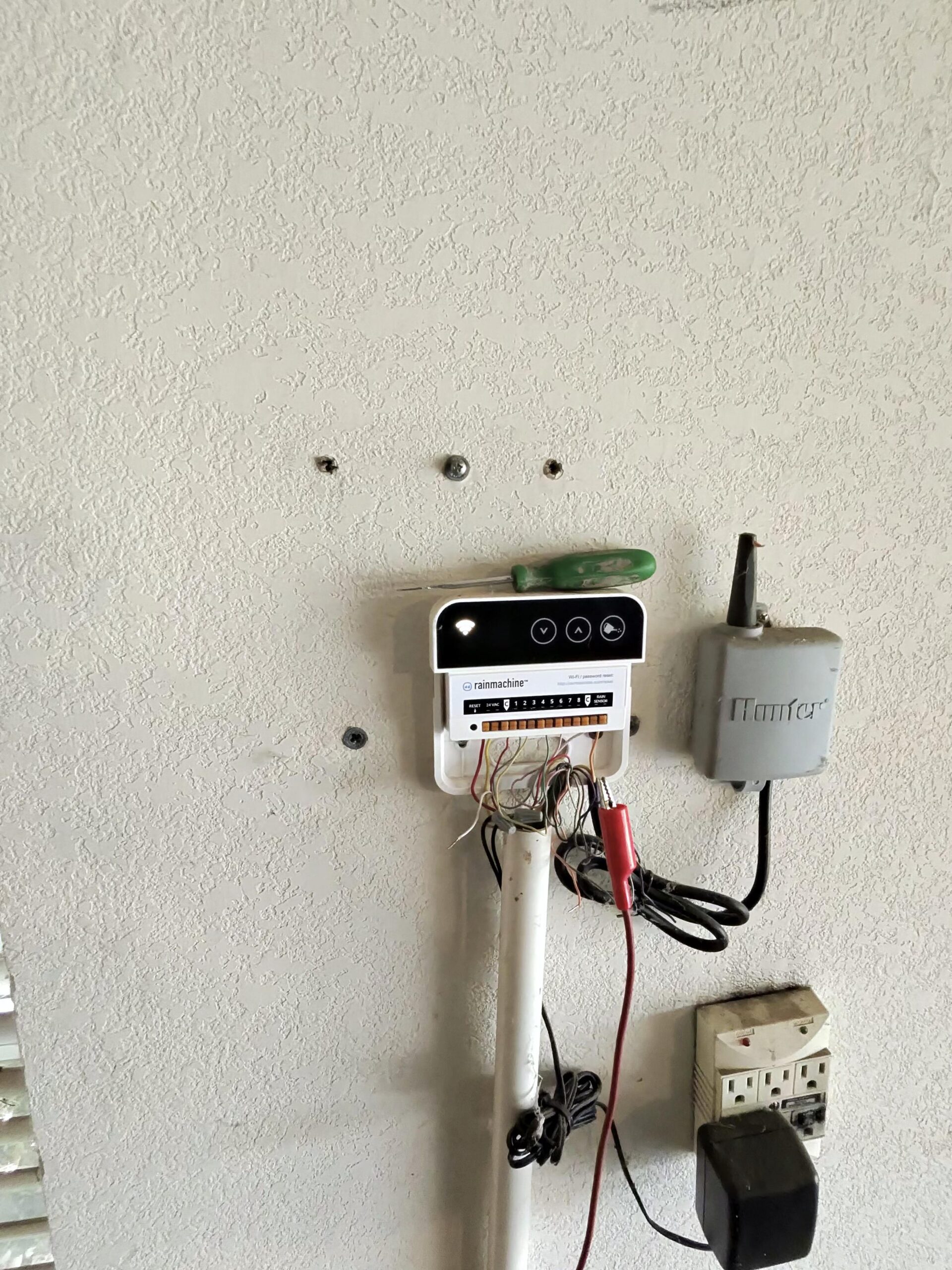
Is your sprinkler controller not running on schedule in McKinney, TX? It can have power but miss its scheduled watering because it is switched off, a rain delay is active, the rain sensor is holding watering, or the clock and program settings do not match the intended schedule. A lit display does not, by itself, mean the controller needs replacement.
The first step is to separate a scheduling problem from a water-delivery problem. If no cycle starts, review the settings below. If the display shows a zone running but no water appears, the water supply, valves, wiring, or controller output may need checking. Exact controls vary by model, so use your manufacturer’s manual for button-by-button instructions.
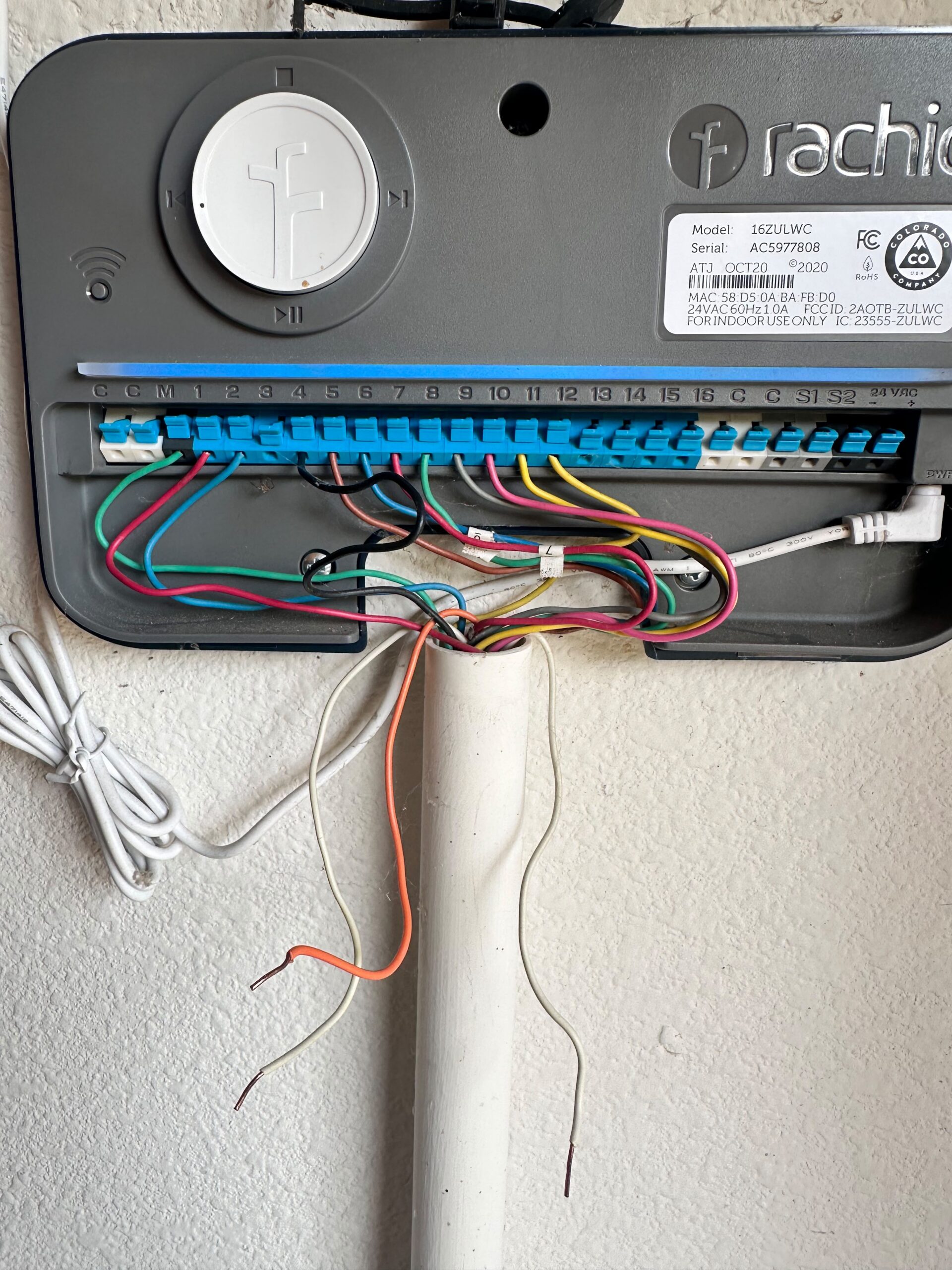
Sprinkler Controller Not Running on Schedule: At a Glance
- Operating mode: Check whether the controller is set to RUN or AUTO rather than OFF.
- Rain delay: An intentional pause may still be counting down.
- Rain sensor: Weather protection may be correctly suspending watering.
- Clock and calendar: Confirm the time, date, and AM or PM.
- Program settings: Watering days, start times, and zone run times need to belong to the intended program.
- Professional assessment: Useful when settings look correct but automatic watering still fails.
These checks help narrow down the cause. They do not prove that a controller, sensor, or valve has failed.
Watch: Controller On, but Nothing Runs?
1. The Controller Is Set to OFF
What should you check?
A controller can keep its display on while automatic watering is switched off. On models such as the Hunter X-Core and Rain Bird ESP-TM2, the OFF position prevents scheduled watering. Check whether the dial was left there after maintenance or a manual test.
Return the controller to its normal RUN or AUTO setting when scheduled watering is appropriate. Sensor bypass is different: it tells a compatible controller to ignore sensor input. It is not a routine solution for a sensor problem.
2. A Rain Delay Is Still Active
A rain delay pauses automatic watering without requiring you to rebuild the schedule. If a delay was set before rain, the controller may be waiting for it to expire.
Check the delay information on the display and consult the instructions for your model. Leave an appropriate weather-related pause in place. If a delay was set by mistake or is no longer needed, follow the manufacturer’s instructions to adjust it. A timed delay and a weather sensor are separate features.
3. The Rain Sensor Is Holding Off Watering
A rain sensor can pause watering even when the program is saved correctly. That can be normal after rainfall. Check the model’s manual to distinguish a sensor-enabled setting from a message indicating that watering is suspended.
For example, ACTIVE on the ESP-TM2 means the controller is set to obey sensor input; it does not, by itself, establish that the sensor is wet. If watering remains suspended unexpectedly in dry weather, arrange a sensor check rather than disconnecting wires or disabling weather protection.
4. The Clock or Calendar Is Incorrect
Check AM and PM
The controller follows its own clock. If AM and PM are reversed, a morning start time may occur in the evening instead. Compare the displayed time with the actual time before changing the watering program.
Check the date and day of the week
Watering programs may follow selected weekdays, odd or even dates, or intervals. If the date is wrong, the controller may treat today as a non-watering day. Correct the clock and calendar according to the manual, then review the intended schedule.
5. Start Times, Watering Days, or Run Times Do Not Match
Is there a start time in the program you expect to run?
A start time begins a program; a zone run time determines how long each zone waters. These are separate settings. If watering days are saved in one program while the start time is saved in another, the expected cycle may not occur.
Is the next watering day the one you expect?
Review the program you actually intend to use. It needs the appropriate watering days and at least one start time. If today is not selected, waiting until the next scheduled day is normal. Do not add extra days simply to force watering.
Does every zone have a run time?
Check that the zones intended to water have suitable run times in that same program. A zone with no assigned run time will not water as part of that program. Other zones may intentionally remain off, so do not give every zone a run time without considering your watering plan.
Check the seasonal adjustment
Seasonal adjustment scales programmed run times by a percentage. A lower value can make a cycle shorter and easier to miss. Review it against your intended watering plan and the range supported by your model, rather than automatically setting it to 100%.
6. An App Setting or Weather Skip Changed the Schedule
If your controller uses an app, review its schedule, watering history, and notifications for an intentional weather skip or a recent programming change. Check connection status if you cannot view or update settings. Use the manufacturer’s instructions to compare app settings with the controller. An offline message alone does not establish that a saved schedule has stopped running.
What If the Display Shows Watering but No Water Comes Out?
If the display shows a zone running but no water appears, the controller seems to be initiating a cycle. The water supply, valves, wiring, or controller output may still need checking. Note any error message and consult the manufacturer’s troubleshooting guide. Leave electrical testing and wiring repairs to a qualified professional. Our guide to sprinklers that won’t turn on explains related symptoms.
Why McKinney Watering Guidance Matters
Before changing your watering days or start times, check the City of McKinney’s WaterSmart guidance for the restrictions that apply to your address and the current season. A controller can be programmed correctly yet remain idle because today is not an allowed or selected watering day. Do not add a watering day simply to test whether the schedule runs.
Common Mistakes to Avoid
Replacing the controller based only on a lit display or a missed cycle can overlook a programming issue. Other mistakes include adding watering days to force a test, assigning extra start times without understanding the program, and bypassing weather protection. Our sprinkler controller problems guide explains related symptoms that may need further diagnosis.
When Should You Call for Sprinkler Controller Help in McKinney?
If you have worked through the checklist and your system still is not running on schedule, our team can diagnose the controller, rain sensor, and wiring, then set up your program correctly. We provide sprinkler repair and irrigation services in McKinney, including controller programming and rain sensor checks. Book a sprinkler controller diagnosis online and choose a time that works for you. Whale Done’s irrigation work is performed under Texas irrigator license LI0029200.
Frequently Asked Questions
Why is my controller not starting the watering cycle?
Check the operating mode, any rain delay, sensor status, clock, and program settings first. If those look correct but scheduled watering still fails, arrange a controller assessment.
Why does my controller say it is watering when the sprinklers are not running?
The controller appears to be starting the cycle, so the water supply, a valve, the wiring, or the controller’s output may need checking. Confirm the irrigation water supply is on, then have the system tested.
Why does my sprinkler controller work manually but not automatically?
A manual run shows the controller can open that zone’s valve, but it does not test the settings that control automatic watering or rule out every fault. Work through the checklist, and call for help if the schedule still does not run.
Can a rain delay stop my sprinkler schedule?
Yes. It pauses automatic watering until the days remaining reach zero. Both models covered here show the days remaining on the display.
How do I set my sprinkler system timer?
Set the current time and date first, including AM or PM. Then set the watering days, at least one start time, and a run time for each zone, all in the same program. Exact button steps vary by model, so follow your controller’s manual, or have us program it during a service visit.
Which days can I water in McKinney?
Check the City of McKinney’s WaterSmart guidance for the current permitted days, hours, and any exceptions that apply to your address. Match your controller’s program to that guidance.
Conclusion
A sprinkler controller not running on schedule does not automatically need replacement. Review its mode, weather pauses, clock, and program settings first. If the cause remains unclear, Whale Done can assess the problem at your McKinney home. Book a visit online for help with controller programming and related sprinkler symptoms.